oshal Intelligence
Concierge · guest view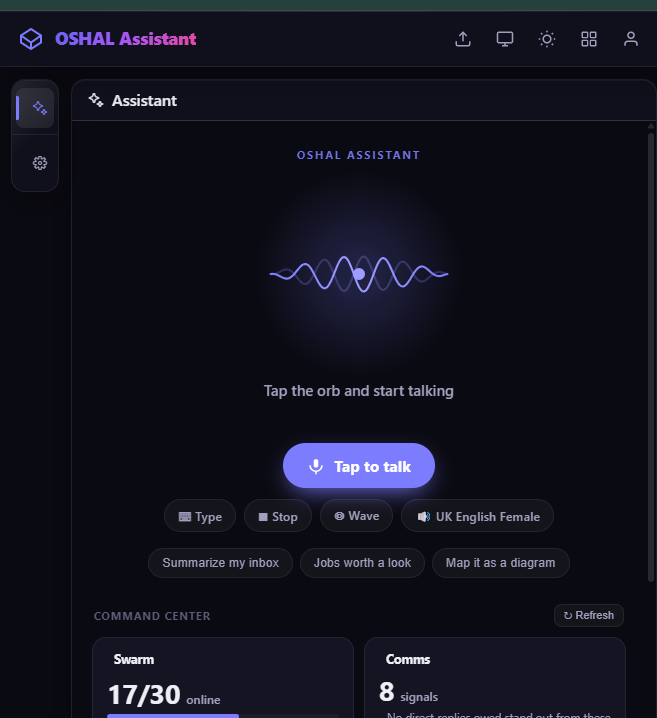
Voice and text entry into the swarm, with command center signals and dynamic routing across loaded applications, tools, and bots.
Open cockpit ->The portfolio is strongest when people can open it. Start a guest session for an instant, read-only look at the live cockpit — no account needed, nothing you do touches real accounts — or sign in with Google and your own workspace is created on the spot. The cockpit links below open once either session is active; full function stays sign-in.
Voice and text entry into the swarm, with command center signals and dynamic routing across loaded applications, tools, and bots.
Open cockpit ->
Describe a process and turn it into a graph-backed workflow with agent bindings, validation, compile preview, and a publishable ticket queue.
Open studio ->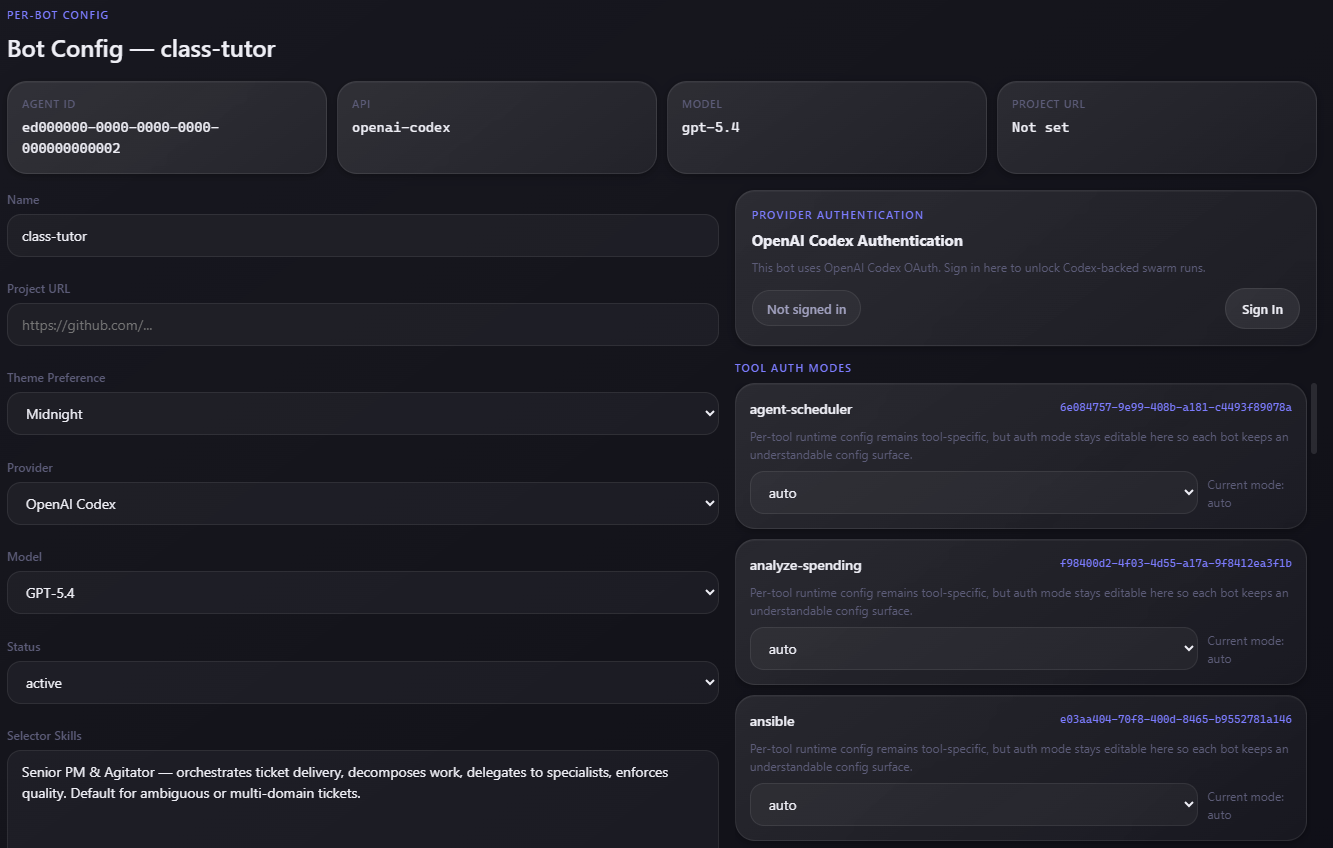
Every bot can choose its harness, API provider, model, project context, selector skills, and per-tool auth mode without forking the framework.
Open cockpit ->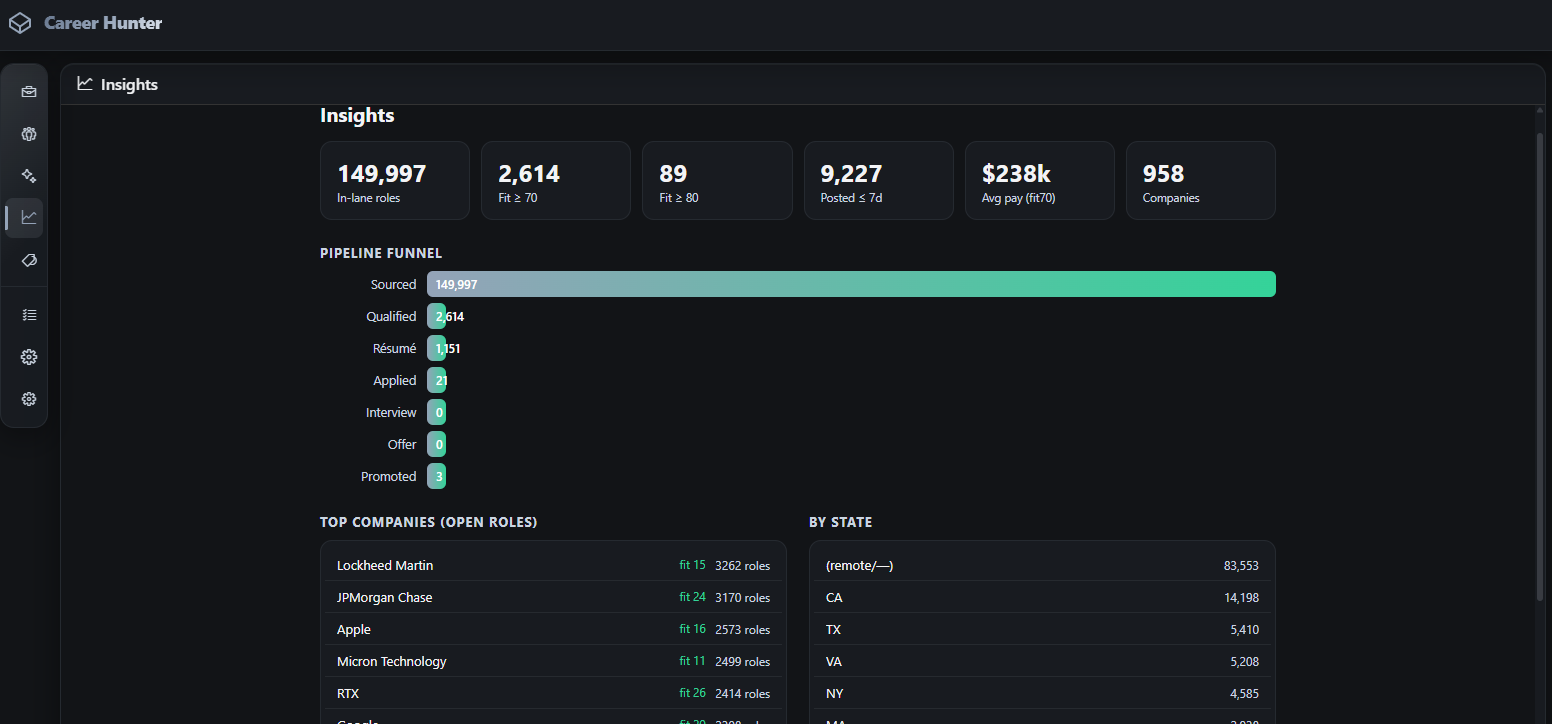
A career-history bank that accepts files, notes, and voice, then scores roles and drafts tailored resumes from the most relevant experience.
Open cockpit ->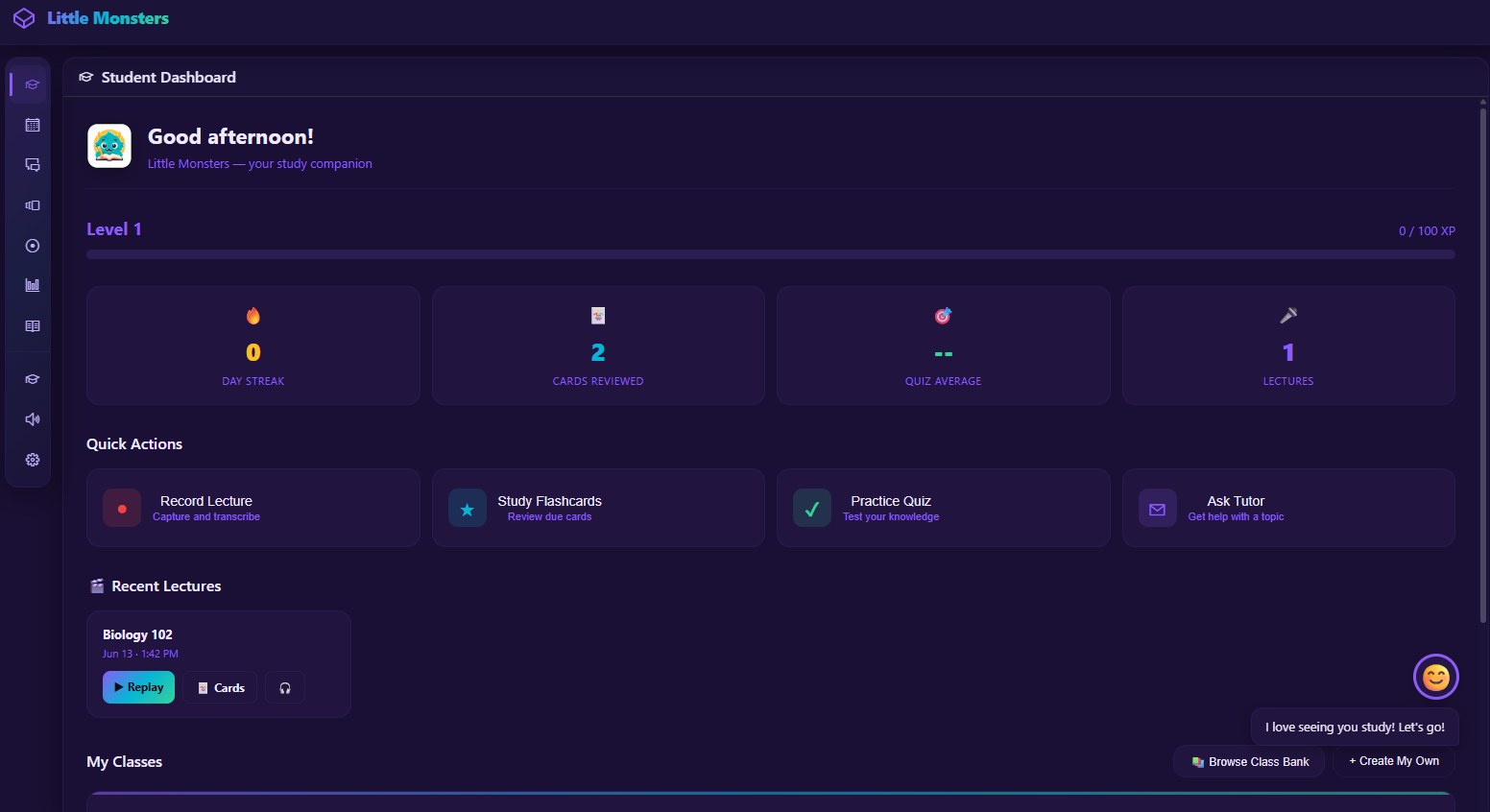
A learning workflow app for classes, recorded lectures, flashcards, tutor chat, OCR, retrieval, and presentation generation.
Open cockpit ->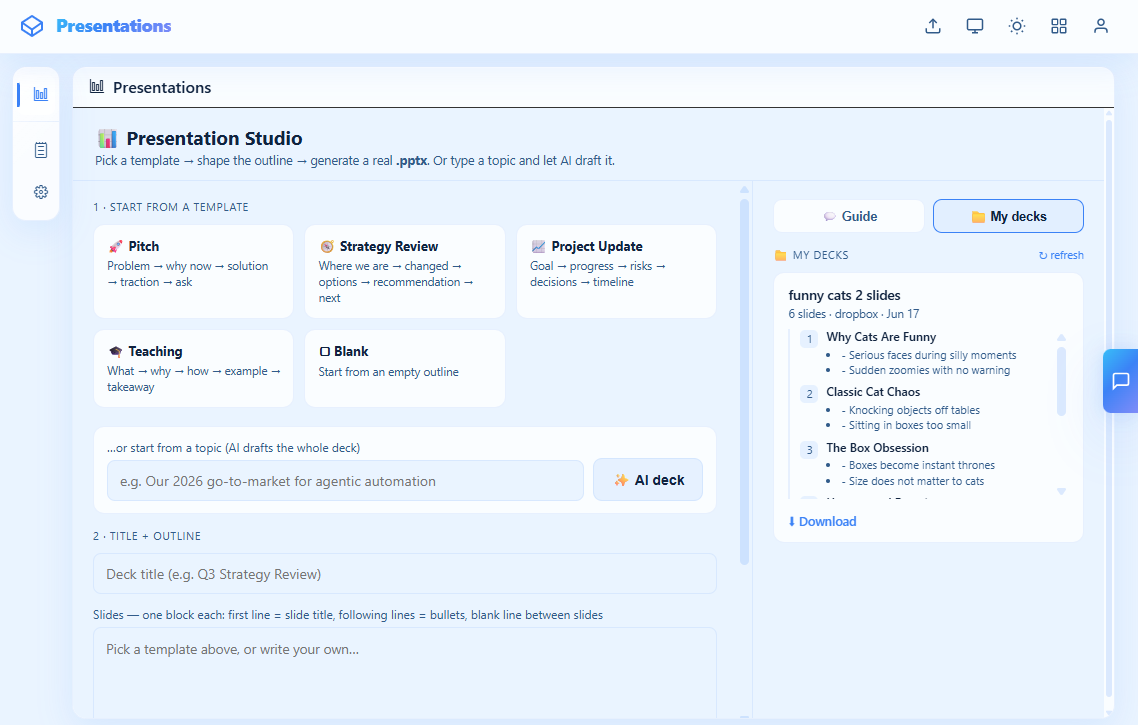
AI-assisted deck creation with templates, topic-to-outline drafting, real .pptx generation, deck storage, and direct download.
Open cockpit ->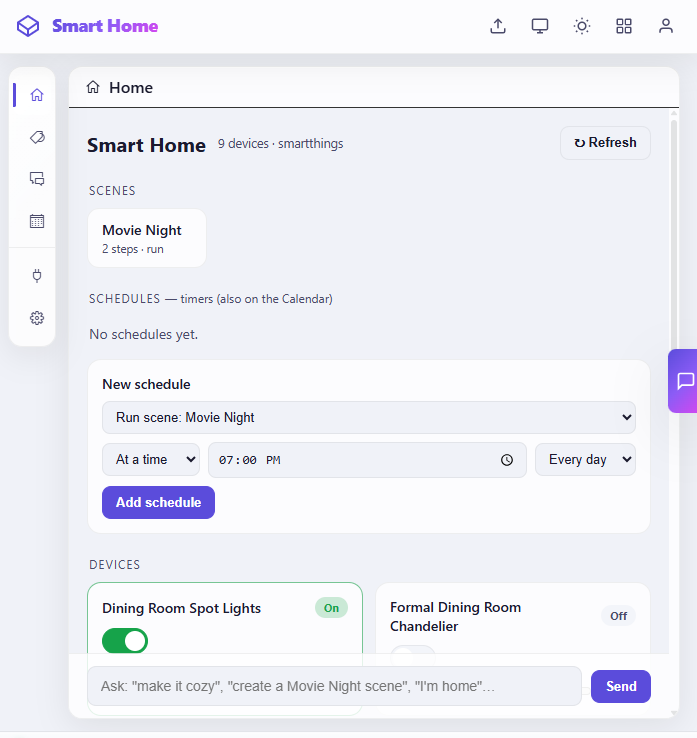
Connected-home control for devices, scenes, schedules, timers, and natural-language commands like make it cozy.
Open cockpit ->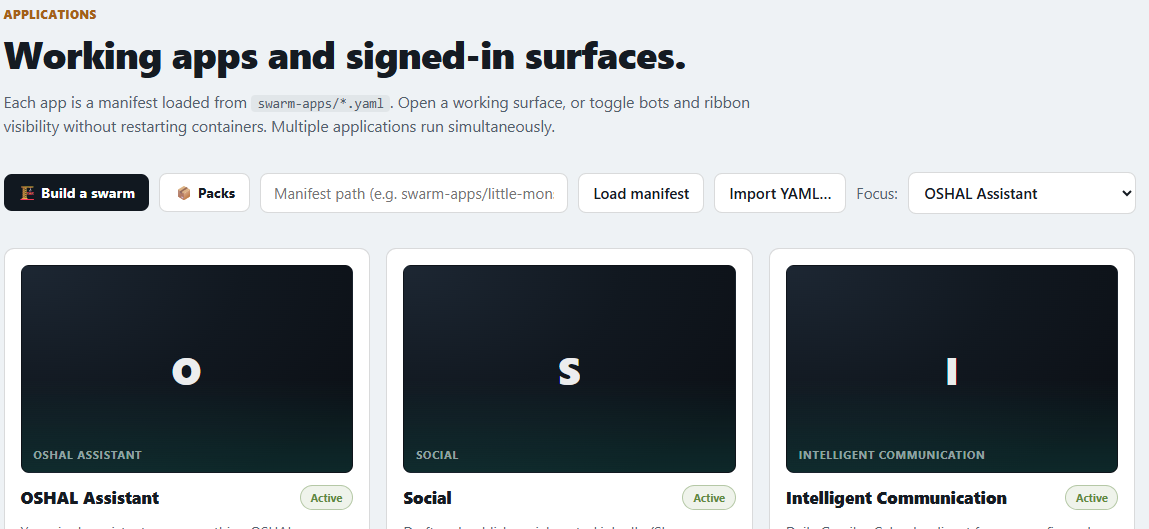
The manifest-driven app dashboard for loading swarm apps, importing YAML, focusing a cockpit surface, and toggling active bundles.
Open cockpit ->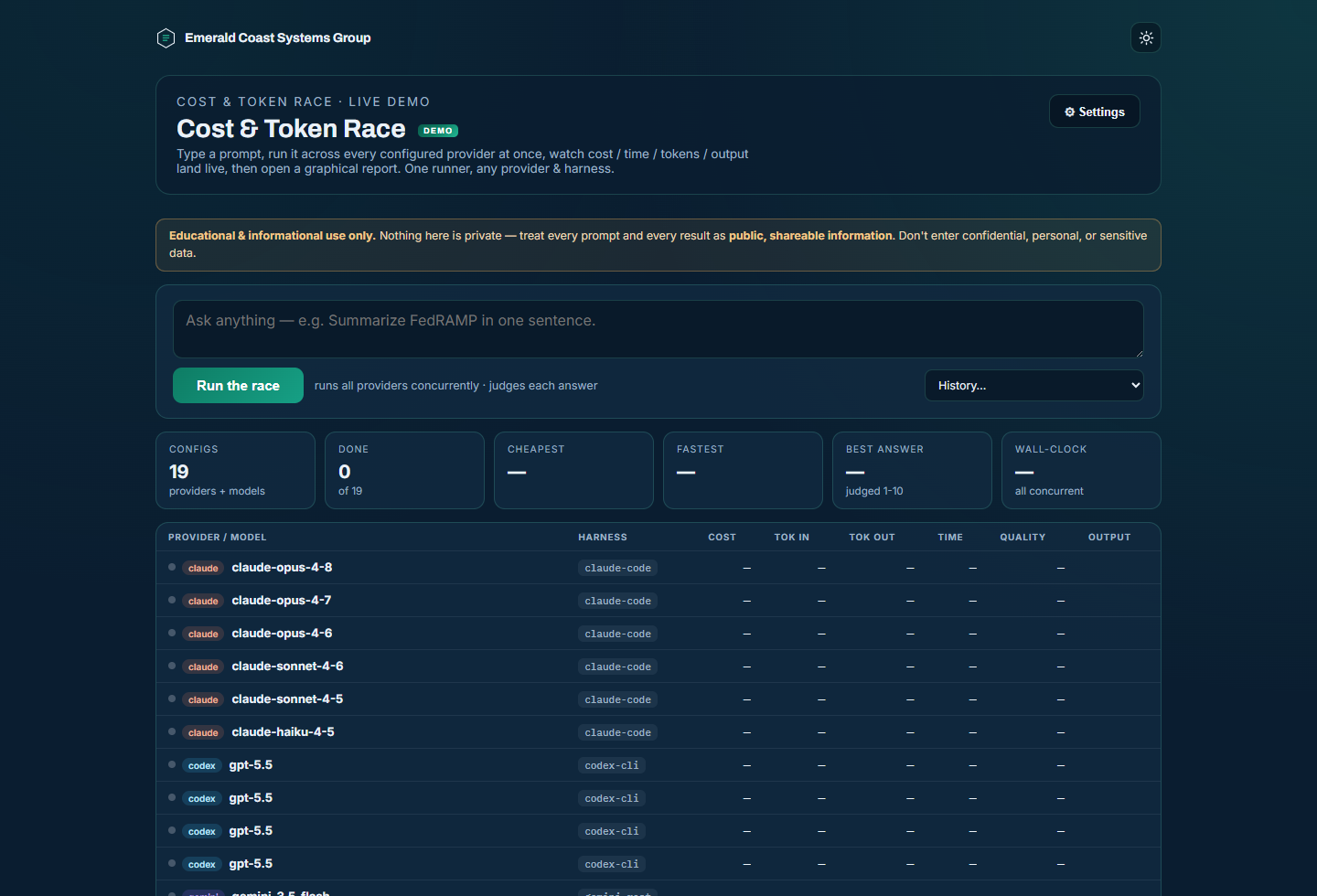
Token Chase: every call's tokens and cost land in a central ledger per bot; captured work replays across models and providers and is graded — byte-exact, equivalent, or divergent — to find the cheapest configuration that holds quality.
How it works ->The autonomous desk has its own page with the published record and the daily recap video.